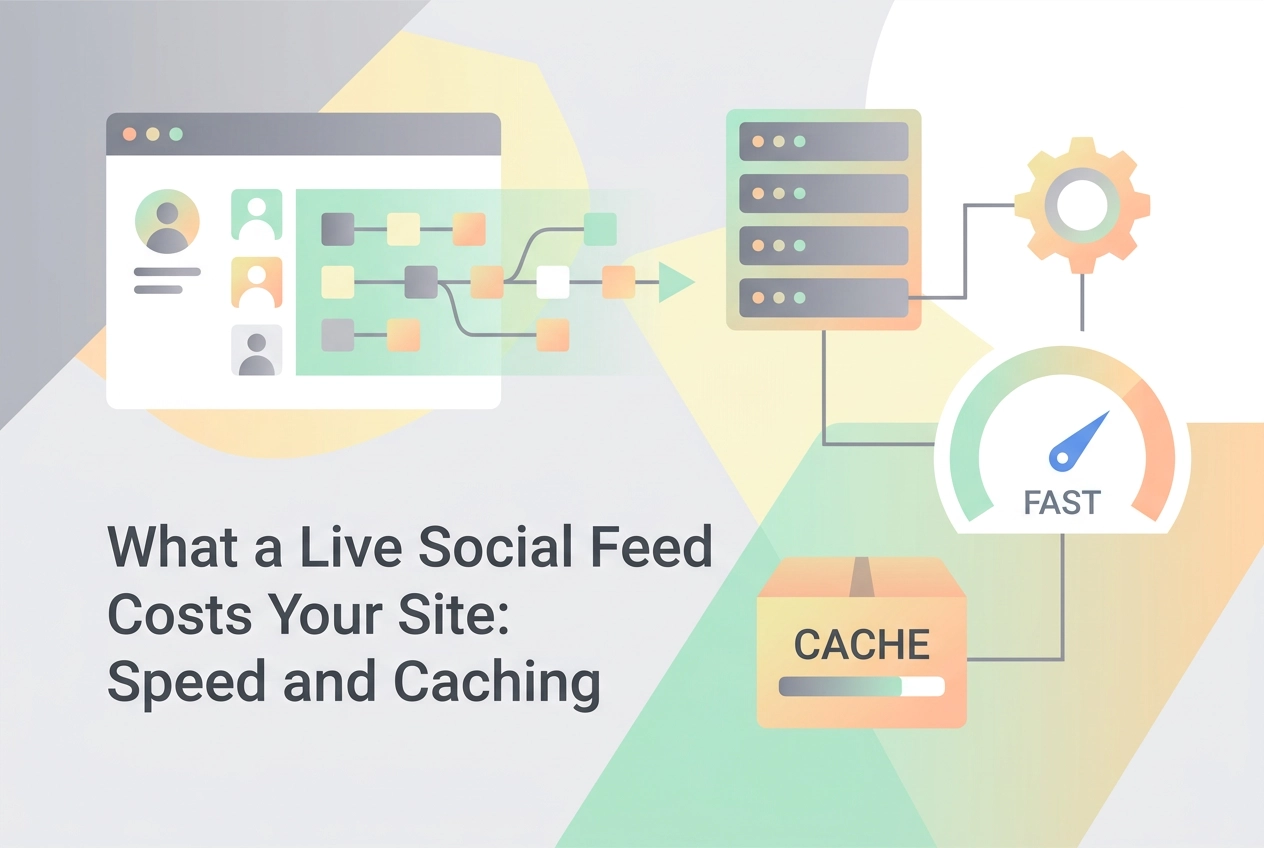
A live social feed is an attractive feature until it starts holding your page hostage. While a marketing team sees a dynamic wall of user-generated content, a browser sees something very different: a continuously polling sequence of network requests, image decodes, and script executions running inside a document your brand is accountable for. That gap between the visual intent and the technical reality is where performance budgets go to die.
This analysis focuses on the unglamorous, unbilled half of the decision. We will break down what a continuously updating third-party block actually does to your page's critical rendering path. You will learn how rendering approach dictates whether the feed becomes part of the document or an expensive overlay, why image handling and lazy loading strategies create delays you did not plan for, and how cache lifetime interacts with refresh frequency. We will examine why refresh rate should follow business intent rather than API limits, outline the failure modes when a source goes dark, and provide a framework for what to do first.
Your Live Feed Is a Third-Party Asset on a Page You Own
A live social feed is not content you wrote. It is a script or iframe served from another origin and rendered inside a page that carries your brand and appears in your Core Web Vitals reporting. This is a recognised discipline: web.dev publishes guidance on third-party embeds, and the Web Almanac 2025 gives third parties their own chapter alongside performance, so the field measures this impact separately.
What you control: where the block sits in the markup, rendering approach, cache lifetime, image sizing, lazy-load thresholds, and refresh cadence. What you do not control: source API latency, rate limits, platform downtime, and response headers from another origin.
The choice is usually made on appearance and price. The unbilled half arrives as page-speed cost, stale posts, and a blank block when a source fails. This article works through that half. Define success before picking anything: how the feed page behaves on LCP and INP, how quickly the first batch renders, and what the page looks like when the source is unreachable. For a deeper look at embedding and Core Web Vitals, see our guide to SEO and Core Web Vitals Considerations When Embedding Social Feeds.
A Short Definitions Box: LCP, INP and Cache TTL
Four terms need separating before weighing trade-offs, because feed audits often conflate them.
LCP (Largest Contentful Paint) is the Core Web Vital recording when the largest visible element in the viewport finishes rendering. On feed pages that element is often a feed image, not the headline you carefully placed.
INP (Interaction to Next Paint) INP replaced First Input Delay (FID) as a stable Core Web Vital, see Google Search Central for the announcement. It matters because a live feed keeps mutating the DOM while visitors scroll and tap.
Cache TTL is how long a stored copy of the feed payload remains fresh before something refetches it. It separates a fast page from current content, and whoever configures the feed sets it.
Third-party embed means any rendered block or request served from a domain other than yours. The Web Almanac 2025 tracks third-party impact in its own dedicated chapter, separate from the Performance chapter.
Hold these four apart. Most feed-related speed complaints trace back to one being set in isolation from the others, which is what A Fast, Mobile-First Design That Does Not Make Visitors Wait has to reconcile.
Rendering Approach Decides Whether the Feed Is Part of the Page
With those terms fixed, rendering decides whether the feed behaves as part of your document or as a separate event happening inside it.
Client-side rendering. The feed script downloads and executes in the visitor's browser, contending for the main thread with your own JavaScript. If a feed image is the largest element in the viewport, the block can decide your LCP, on a resource you neither host nor control.
Server-side rendering or a pre-built payload. Feed markup ships with the HTML, so layout stops waiting on another origin. The trade-off is caching infrastructure to run and maintain, plus a slightly flatter feel on the very newest posts.
Iframe embedding. Third-party CSS and JavaScript stay outside your page's execution context, containing the blast radius. But the browser loads a second document, and the full media payload still travels inside it.
Whichever you choose, reserve the block's dimensions in CSS before content arrives. Feed layouts that grow as posts stream in are a common source of layout shift on otherwise well-built pages.
Measure both options on the same device profile. Mobile is where regressions most often become visible, test on a throttled connection to see how the feed behaves under constrained conditions. For a broader cost breakdown, see what aggregator embeds actually cost you.
Image Handling and Lazy Loading: The Delay You Did Not Plan For
Rendering choice sets the frame; image handling decides what fills it. Feed media is typically the heaviest asset on the page and the one you control least. Feed media commonly arrives at dimensions set by the source platform, not the size your grid actually needs, check what your tool or the platform API returns before assuming resize.
Lazy loading is correct for items below the fold and wrong for the image that wins LCP. Telling the browser to defer the largest paint is a direct instruction to be slow, a risk the web.dev article on too much lazy loading investigates. Eager-load the first viewport's worth of posts, lazy-load the rest, and keep that first batch small. A handful fills the block; preloading the full history to be safe inflates the cost.
For grid thumbnails, request smaller renditions where the platform offers them, and set explicit width and height so images settle instead of reflowing row by row. Layout choice affects this too; see choosing the right layout: grid, carousel or infinite scroll. Finally, test on a throttled mobile connection and see which image wins LCP. If a lazily loaded feed image is winning too slowly, change the threshold, not the feed.
Cache Lifetime Versus Refresh Frequency
Lazy loading decides when images arrive; the cache and refresh settings decide whether the posts those images belong to are worth fetching at all.
Cache TTL and refresh interval are two sides of the same dial, established in the definitions above, and the failure is setting them independently.
Set them independently and you lose either way. A cache TTL shorter than the refresh interval is wasted work, because the stored copy expires before anything asks for a replacement. A refresh interval shorter than the TTL means new posts will not appear when the person who scheduled them expects, and they will chase a problem that is really a setting.
The cheaper mechanism, in practice, is to cache the feed payload server-side and serve every visitor from that one stored response rather than letting each visit trigger its own fetch. Reason about your TTL from that position: one request serving many visitors.
Two caveats. First, this section is explanation, not a sourced finding. None of the material behind this article covers cache lifetime against refresh frequency, so treat the interaction as reasoning about how the settings behave, not a benchmark. Second, second-order costs are easy to miss: every refresh refetches the payload, so long dwell times and mid-length sessions multiply requests. Pausing refresh when the tab is hidden or the feed scrolls out of view removes most of that.
The decision rule: choose the longest TTL that still satisfies the business need, then set refresh to match it. That moves us to what the business need actually is.
Refresh Rate Should Follow Business Intent, Not API Limits
With TTL and refresh aligned mechanically, the remaining decision is the number itself. That the platform API permits frequent polling is a capability statement, not a frequency rationale. This is our position, and a design position rather than a sourced finding.
Match cadence to content. A live event, conference hashtag or scoreboard feed can justify near-immediate updates. A testimonial wall or evergreen user-generated gallery is usually fine refreshed once a day or on a manual trigger. Higher cadence buys little freshness and pays in requests, re-renders and main-thread work each time the feed rewrites itself; returns drop sharply once posts arrive faster than anyone reads them.
Every automatic update rewrites part of the DOM inside the feed. If a visitor is interacting at that moment, scrolling, tapping, reading a caption, that rewrite can delay the browser's response, which is precisely the kind of interaction cost INP is designed to surface. Before setting the number, ask not "how fast can this be?" but "how stale is too stale for what this feed is for?" A support page, event page and brand homepage each answer differently. Clarifying that purpose also connects to How a Live Social Feed Benefits Your Website Beyond Aesthetics.
When a Source Goes Dark: Failure Modes and Fallbacks
Some sources will fail, and the only choice is how the page behaves when they do. Plan for platform API outages, rate limits, expired access tokens, hashtags that suddenly return nothing, posts deleted or moderated out at source, CDN images that stop resolving, and scripts blocked outright by an ad blocker or privacy browser.
Each failure looks different to a visitor. An empty block reads as broken or amateur, an endless spinner reads the same, a script error can stall other scripts on the page, and a collapsed container can take the layout with it.
Decide fallbacks before launch, not during an incident. Options: serve the last good cached payload with a visible timestamp, fall back to a curated set of static items, collapse the block entirely, or replace it with a plain link to your social profiles. Running a pre-launch technical checklist makes these decisions deliberate rather than reactive.
Monitor for feed-specific failure, not just page errors. Alert on failed fetches and on successful fetches that return zero items, since an empty response is the failure nobody notices until someone looks at the page. Rate limits make scheduled polling safer than on-demand fetching at traffic peaks, and multi-channel feeds benefit from batching requests across sources rather than firing one per account per visitor.
These failure modes are original analysis rather than sourced findings. No material behind this article covers platform outages or rate limiting, so treat the fallback options as engineering judgement to test against your own sources.
The Agency Multiplier: One Decision, Many Client Sites
For an agency, every decision about rendering, caching, images and refresh cadence gets made again for every client. A careless default does not stay one site's problem: it becomes a portfolio-wide one.
Write the baseline down. A default for each of the four settings, plus the agreed fallback behaviour, turns a bespoke negotiation into a checklist item and makes audits, onboarding and handovers repeatable.
Put the cost into the scope conversation. Clients accept a slower feed far more readily when the trade-off was explained before launch instead of surfacing in a performance report afterwards.
Consolidation helps. Merging multiple channels, accounts, hashtags and content types into one moderated, designed feed keeps a single third-party block per page instead of several, reducing the number of things that can independently slow down or fail. SocialMatix is built for that merge, and agencies use it to manage feeds on behalf of their customers. Managing multiple client feeds through one tool makes the standard easier to hold.
Finally, keep feed behaviour inside the same QA and monitoring loop as the rest of the site. A silently empty feed survives a standard link-and-layout review.
What to Do First
Whatever the portfolio, the first move is the same on every site: treat rendering approach, cache TTL, image handling and lazy-load threshold, and refresh cadence as a single policy. Changing one in isolation only moves the cost elsewhere on the page.
On images, apply the eager/lazy split described above and re-measure on a throttled mobile connection to confirm which element actually owns your LCP.
Set refresh cadence as argued in the business-intent section, documented so it can be revisited when the feed's purpose changes, not when a platform raises a limit.
Activate the fallback and alerting plan before launch, not after, and fold feed behaviour into a programme of regular audits rather than a one-time launch review.
Treat the result as a reviewed template you apply per client site.
Conclusion
A live social feed is a third-party asset with first-party consequences. Treating the four decisions, rendering, images, caching, and refresh cadence, as independent is where the cost accumulates: each one shifts the burden onto another, and none of the symptoms point cleanly back to the source. The framework above ties them together into a single reviewable policy.
Build one reviewed feed template covering rendering, caching, images, and fallbacks, then run it through regular audits rather than a single launch check. One baseline you can explain beats a dozen bespoke blocks nobody can.