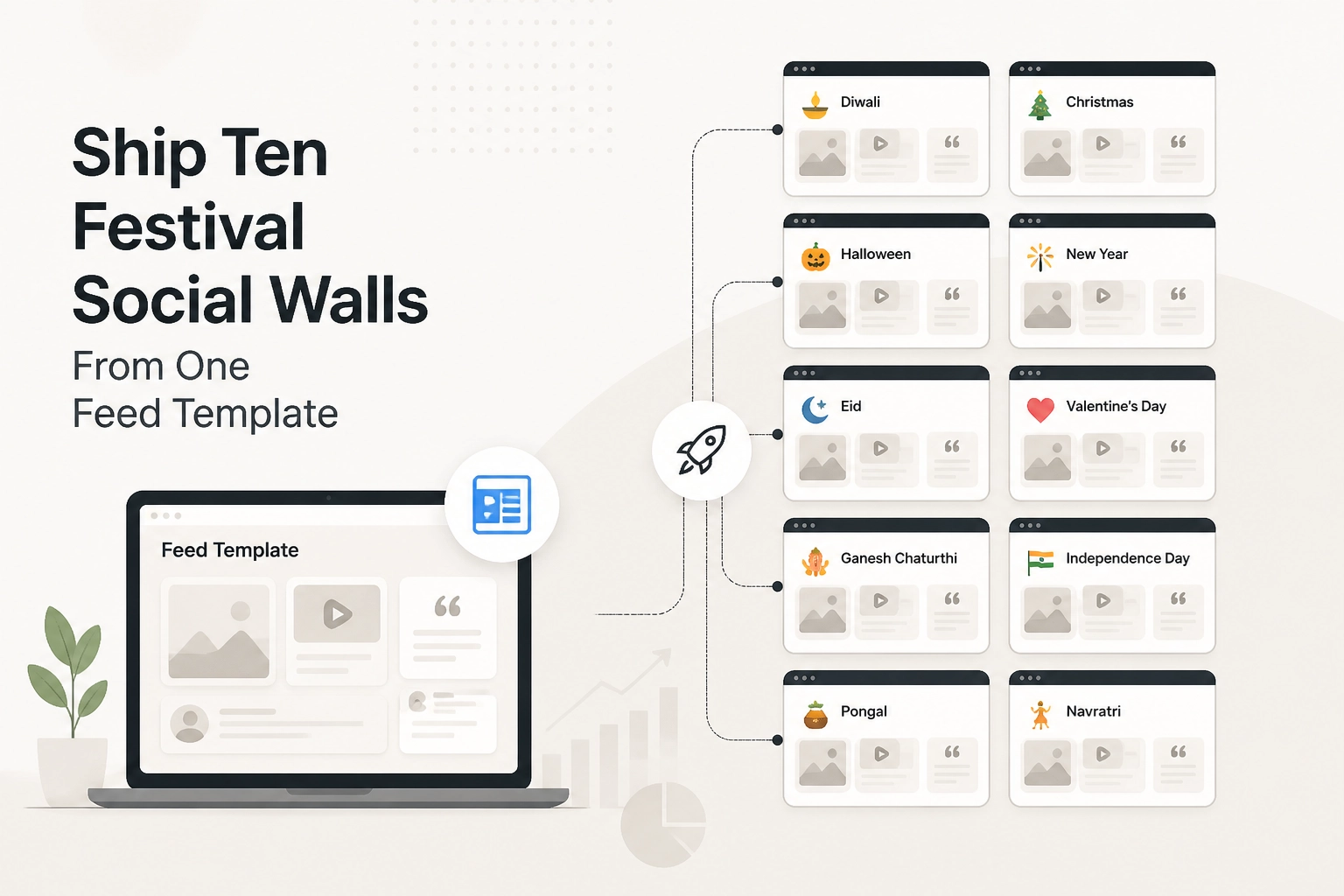
Ten festival social walls should not mean ten bespoke builds. When the Diwali-to-year-end rush arrives, and seasonal coverage has described an early festive surge, agencies lose margin by starting every client wall from scratch in the week the client remembers they need one. The better approach is a production run: one validated feed template plus thin, explicit variation points, all shipped before the season starts. That is where social media management tools for agencies become a margin lever rather than just a dashboard.
This guide shows you how to make the tenth wall a configuration job. We'll cover why ten client walls cost more than ten times one wall, what must be validated before you template anything, and how to build and validate the base feed. Then we'll lock down four variation points: hashtag and account set, brand skin, embed placement, and moderation owner. You'll also get a step-by-step rollout plan, a timeline for shipping before the early surge, common pitfalls that appear at account six, and a clear path to turning repeat festival builds into a repeatable production line.
Why Ten Client Walls Cost More Than Ten Times One Wall
Treat the festive season as a production run, not ten projects. Client requests cluster in the same short window. The margin leak is the rebuild, not the build. In SocialMatix's read of typical agency workflow, each wall is scoped, designed, configured, and QA'd from zero in the week the client remembers it needs one. That is an operational read, not a research finding.
Set the success metric: if wall ten costs the same as wall one, the template failed. If it costs a configuration session and a QA pass, the model works. Timing adds pressure. ET Brand Equity reported an early festive surge ahead of Diwali 2025, so ship the template before clients ask. Fortune India cited online sales growth of up to 29% without stating year or methodology in the headline, and a 2025 ET Brand Equity headline claimed 93% of Indians prefer to shop online. Attribute both as third-party headline claims, label the 2025 figure as 2025, and never present it as current season evidence.
This matters most for retainer-based social media management. In our read of retainer economics, a fixed monthly fee plus an October festival rebuild is where the quarter's margin goes; how to price social wall work deserves a planning slot before the rush.
What Has to Be Validated Before You Template Anything
Before you clone anything, validate six items, because a template built on assumptions fails at account six.
A live client feed. One wall must already be running in production. Extract the template from that implementation, not from a spec document.
A channel inventory. For all ten accounts, record the platforms in use (Instagram, Facebook, YouTube, TikTok, LinkedIn), which handles are business accounts, and which content types each client wants displayed.
Written embed confirmation. Check current official platform documentation for display and embed rules, not vendor blog summaries. Record approval per platform because this is the item most likely to shift between seasons.
A consent line. State how each client confirms permission to display customer posts, where that record is stored, and who responds if a customer objects.
A named owner and budget. One person must own the template, per-client approvals and the moderation rota, backed by a fixed budget line.
A moderation model. Decide agency run, client run or hybrid before configuration begins. Agencies handling social media management for the client inherit the queue, which changes job sizing for every wall.
If you are still selecting the tool that will run these feeds, use a structured comparison when choosing a social media aggregator.
Step 1: Build and Validate the Base Feed
With those prerequisites confirmed, build one reference feed that merges multiple channels, accounts, hashtags, and content types. This single configuration is what you will clone ten times, and a social wall tool does the heavy lifting rather than a separate design file. SocialMatix, for example, combines Facebook, Instagram, YouTube, and TikTok sources into one moderated feed for a client website, so the template lives in that feed setup. See how social media walls work for the underlying model.
Write moderation into the base feed on day one: blocked terms in English and the regional languages your clients' audiences use, banned accounts, profanity filters, and an approval queue before publishing.
Test failure modes before freezing: a rate-limited platform API, a source account going private, a festival hashtag flooded with spam, and a launch post that swamps the feed for a day.
Freeze only after a real client has run the feed through a live campaign. Keep a changelog of every configuration field you touched, so the next nine builds revisit only those fields. Document the base feed in a one-page spec with screenshots; the person configuring wall six in November is rarely the person who built wall one in August.
Step 2: Lock Down Four Variation Points
With the base feed frozen, the next discipline is subtraction. A variation point is a field, not a decision: if a per-client change needs a design review or another conversation with the client's brand team, it is scope, not configuration. Cap the list at four, because every addition multiplies QA combinations across ten accounts, though it is a working cap rather than a guarantee that nothing slips through higher-order combinations. Put each one on a one-page form the account manager fills and the client signs before build starts; sign-offs are where schedules usually stall. Reject extras that arrive during rollout and log them for next season's template review. That discipline protects festival margin. Before locking the platform list, check which feeds break on API deadlines.
Variation Point 1: Hashtag and Account Set
The first field on that form is the source list: the festive campaign hashtag, the brand handle, and any sub-brand, store or ambassador accounts. Cap hashtags at three to ten, then check each one's volume and spam before go-live; a clean hashtag is a moderation decision, not a marketing one. State the mix explicitly, owned accounts only, user generated content only, or both, and label it so the client approves the exact mix. If ambassador posts carry a material connection, confirm the ASCI disclosure is visible, not buried in a bio. Keep every source in one field so switching between hashtag led and account led is a two minute edit, not a rebuild. Run this through your pre-launch social wall checklist before configuration.
Variation Point 2: Brand Skin
With the source set settled, move to identity. The template carries structure; the skin carries identity. Limit client variation to tokens: primary and accent colours, logo, typeface, card radius, and background treatment. Build light and dark variants once at template level, so no client needs a bespoke theme scratch-built.
Map each client's brand guidelines to those tokens in a short table, and get written sign-off on the mapping rather than on a screenshot.
Set the contrast floor before anything ships. Apply WCAG 2.2 as a benchmark: 4.5:1 for body text, 3:1 for large text. A saturated festival palette easily produces tiles that are unreadable on a phone, so check by calculation, not by eye. A small fixed set beats endless variation, the same principle behind the features of strong portfolio sites.
Variation Point 3: Embed Placement
With the skin mapped, the next field is where the wall lives. Support five placements: festive landing page, product detail page, blog sidebar, in-store or event screen, and campaign microsite. Each changes tile count, aspect ratio and layout, so ship two or three validated layouts (grid, carousel, ticker) rather than designing a layout per client. Pair each placement with UGC that converts, not just decoration. Confirm the client's CMS accepts an iframe, script snippet or native block, then test the embed on a staging URL before the season. On a throttled connection, check layout shift and mobile load time; a heavy wall on a festival landing page is a conversion risk, not a design preference. Finally, agree in writing who owns the embed code after handover: the agency, the client's developer or the client's marketing team.
Variation Point 4: Moderation Owner
With placements handed over, settle the people side. Name the model per account: agency run, client run, or hybrid where the agency does a first pass and the client approves. Write the service window into the contract, including weekends and Diwali week, because festival hours are when queues go unwatched. Define an escalation path for legal or reputational issues, with a named client approver and a stated response time. Record who holds admin access at season end, so permissions do not stay with a departed freelancer and next season starts from a clean handover. These are practitioner recommendations, not platform obligations. Before locking the model, review client feed testing checks for admin roles and handover evidence.
Step 3: Run the Ten Account Rollout as a Production Line
With moderation ownership recorded, the build becomes repetition. Sequence by risk: start with the client whose CMS you already know, whose moderation owner is named, and whose source set is stable; hold the messy accounts until the checklist has survived a live test.
Run the same five steps for every account: source set, skin, embed, moderation owner, QA. No account skips a step because it looks simple.
Batch by function, not by client: all ten skins in one sitting, then all ten embeds. In practice, switching between functions rather than build time is the hidden cost of portfolio work.
Time box each account to a configuration target plus a QA pass, and log actual hours per wall. That number is the only honest evidence the template is paying off.
Reuse one acceptance test across all ten walls: mobile view, a hashtag containing a blocked term, an empty feed state, and a slow network load. Ship all ten before the season opens.
Timeline: Ship Before the Early Surge, Not During It
With acceptance tests done, the schedule decides whether the template pays off. Work backwards from the earliest festive push, not Diwali itself. Redseer's 2025 data put the first sale leg opening on 22 September, ahead of the usual festive markers, so walls need to be live earlier than most clients assume.
A workable shape: validate the base feed in the off season, freeze the template, collect signed variation forms, configure per client, hand over embeds, then hold a delivery buffer before the season opens.
Front load approvals. Approval delays are a familiar source of missed moments, so signing brand skins and moderation models well ahead of the festive briefing week is worth the effort. Book moderation cover for peak weeks at the same time as the build, so the rota is not a final-fortnight scramble.
Close with a short retro: log every break, hashtag problem and embed issue, then open next year's template review from that log. That discipline holds only until requests start arriving.
Pitfalls That Break a Template at Account Six
The retro log from your first templated season usually reads like a list of the same six failures. Watch for them at account six, not account ten.
Scope creep in disguise. One client asks for an extra module. By the sixth wall, you have quietly rebuilt the bespoke process you were trying to escape.
Hashtag moderation traps. A generic festival tag can pull in spam, competitor posts and off-brand content the client never expected on its own site.
October redesigns. Embeds placed on pages the client redesigns mid-season break layout, tracking and sometimes the whole feed. Confirm page stability in writing before handover.
Ownership gaps during Diwali week. The agency assumes the client is watching the queue; the client assumes the opposite. Name the owner for each date, and note that takedown timelines under the Indian IT Rules now run to hours, not days.
Template treated as a design system. Design systems invite requests; configuration fields invite answers. Keep clients choosing from fields, not proposing features.
Unsourced festive statistics. A demand figure quoted without a year or source is the fastest way to lose the room with a marketing lead who checks.
Each of these is cheaper to prevent than to fix mid-season.
Turning the Tenth Wall Into a Configuration Job
That closes the pitfall list. The final move is to turn the tenth wall into a configuration job rather than a project. Extract the template from a live client feed, freeze it only after a real campaign, and keep a changelog of every configuration field you touched. Cap variation at four points: hashtag and account set, brand skin, embed placement, and moderation owner. Anything further belongs in next season's scope. Put each point on a signed one-page form before configuration starts, so approvals stop setting the schedule. Batch the rollout by function, time box each account, and track hours per wall as proof the model works. Ship before the early festive surge, book moderation cover alongside the build, and close with a retro that seeds next year's template. That is how wall ten becomes a configuration job, not a project.
Conclusion
Ten festival social walls do not need ten times the effort. They need one feed template, validated on a real campaign before you freeze it. Ship before the early surge, not during it.
Your next step: pick one live client feed this week and extract the template from it, changelog included. Do that, and wall ten becomes a configuration job rather than a project, with next festive season starting from a stronger base than this one.